


.png)


Vertical vs Horizontal Videos


"Can you just make a vertical version of that?" It's a question we get asked quite a lot.
Yes, we can but it's not quite as simple as pressing a button and changing the shape of the video. In fact, some of the most common frustrations around video happen because nobody discussed aspect ratios until after filming had already taken place.
So if you've ever wondered why videographers ask whether a video is intended for YouTube, your website, Instagram Reels, TikTok or LinkedIn before filming even begins, this article should help explain why.
What's the Difference?
Horizontal video is the traditional format most people think of when they picture video production. It's the shape used on websites, YouTube, presentations, training videos and most brand message videos. The wider frame allows you to show more of a scene, more people and more context.
Vertical video is designed for mobile-first platforms such as Instagram Reels, TikTok, Facebook Reels and YouTube Shorts. Because people naturally hold their phones vertically, these platforms prioritise content that fills the entire screen.
Neither format is better than the other. They're simply designed for different purposes.
They aren't just different shapes of the same video. They're often filmed differently too.
We Ask Before Filming
When we're filming, every shot is framed intentionally. We're deciding where people stand, how much background to include, where branding sits in the frame and how the viewer's eye moves through the image.
If we're filming for a horizontal video, we're using the width of the frame to tell the story.
If we're filming for a vertical video, we're composing the shot quite differently because we know the final frame will be much narrower.
That's why we often ask clients which videos need to be horizontal and which need to be vertical. The earlier we know, the better we can prioritise what we're capturing on the day.
Sometimes we can capture content that works beautifully in both formats. Sometimes we need to make a decision about which format takes priority.
Vertical Doesn't Always Work
This is where it becomes much easier to understand with real examples. Take a look.
Example 1: Panel Discussions
👍🏻 A panel discussion might look fantastic in a horizontal video because all speakers can be seen at once.
👎🏻 When that same shot is cropped vertically, we often have to choose which person remains in frame. The audience loses the interaction between the speakers and the shot loses some of its context.
Example 2: Event Room Views
👍🏻 Wide shots are often used to establish a space and show the scale of an event. In a horizontal frame, you can see the stage, audience, branding and venue all at the same time.
👎🏻 Crop that into a vertical format and much of that information disappears. The event can suddenly feel much smaller than it actually was.
Example 3: Networking Footage
👍🏻 Networking scenes often include several people interacting naturally. Horizontal framing allows everyone to sit comfortably within the shot.
👎🏻 In a vertical crop, people may end up partially cut off, or we may need to zoom in so tightly that the natural feel of the shot is lost.
Example 4: Presentations and Slides
👍🏻 Conference presentations often rely on showing both the speaker and their slides. In a horizontal video, this is usually straightforward.
👎🏻 In a vertical version, we often have to choose between keeping the speaker visible or keeping the presentation readable. Trying to fit both into a narrow frame can become difficult very quickly.
Example 5: Drone Footage
👍🏻 Drone shots are often captured specifically to show scale, landscape and surroundings. That's one of the reasons they work so well in horizontal videos.
👎🏻 When converted to vertical, much of that width disappears. The shot can still work, but it often loses some of the impact that made it powerful in the first place.
Camera Movement Doesn't Always Translate
It's not just about fitting people into the frame. Sometimes the issue is the movement itself.
When we're filming, camera movement is often designed around a specific aspect ratio. A shot might slowly reveal a room, move between speakers or transition from one subject to another using the full width of a horizontal frame. When that same shot is cropped into a vertical format, a lot of that space disappears. What looked smooth and intentional can suddenly feel cramped, rushed or even awkward because the viewer can no longer see the full movement that was originally captured.
For example, a transition where the camera spins and moves towards one subject before revealing another might look fantastic in a horizontal video. But when cropped vertically, there may not be enough room within the frame for the movement to breathe. The transition loses its impact and can end up looking more like a mistake than a deliberate creative choice.

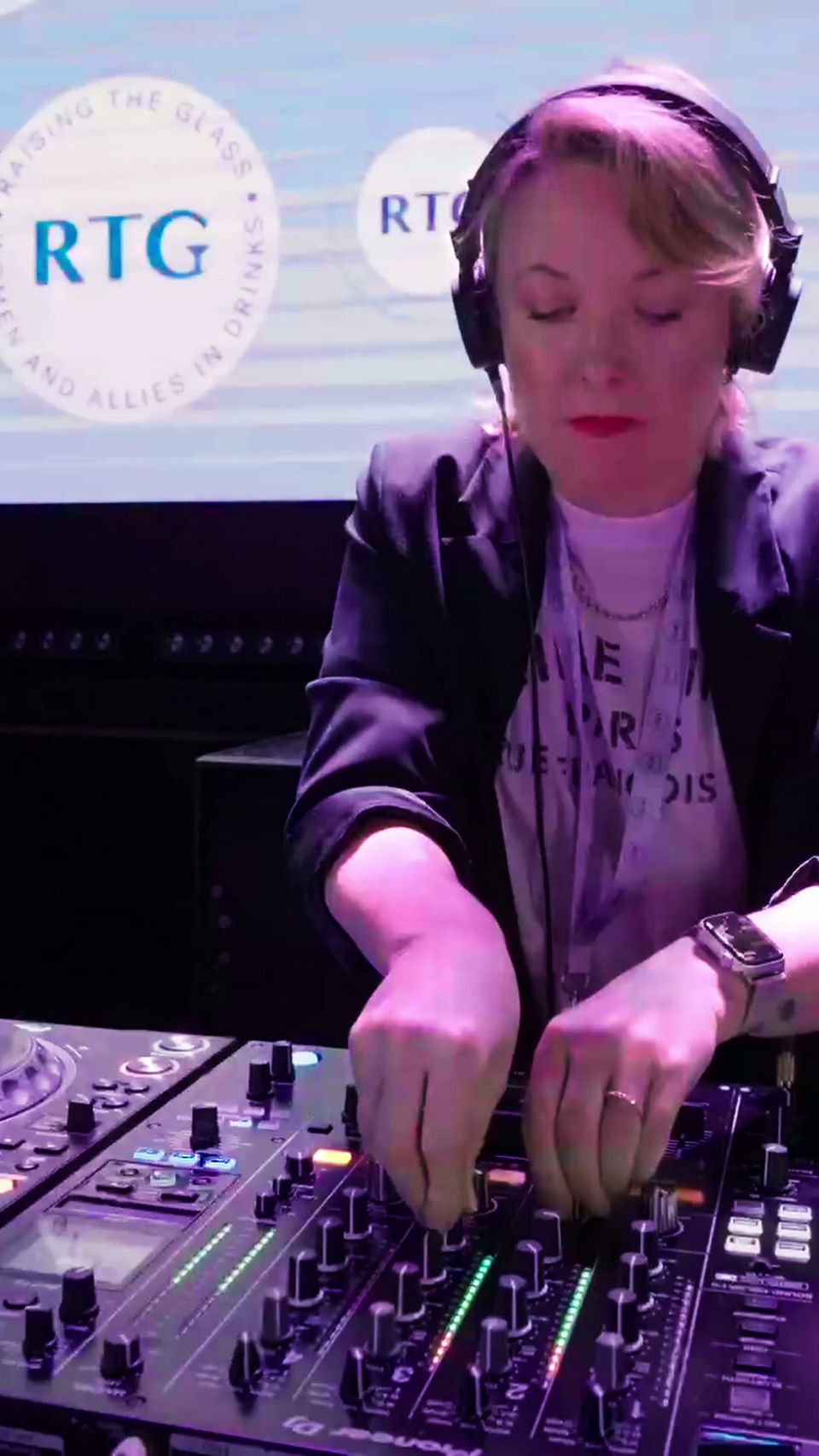
This is one of the reasons why vertical versions often require more than a simple crop. Sometimes shots need repositioning, retiming or replacing altogether to make the edit feel natural in its new format.
Plan For Both
If you know from the start that you'll need both horizontal and vertical videos, we can plan accordingly. Sometimes that's as simple as capturing additional shots in a different orientation.
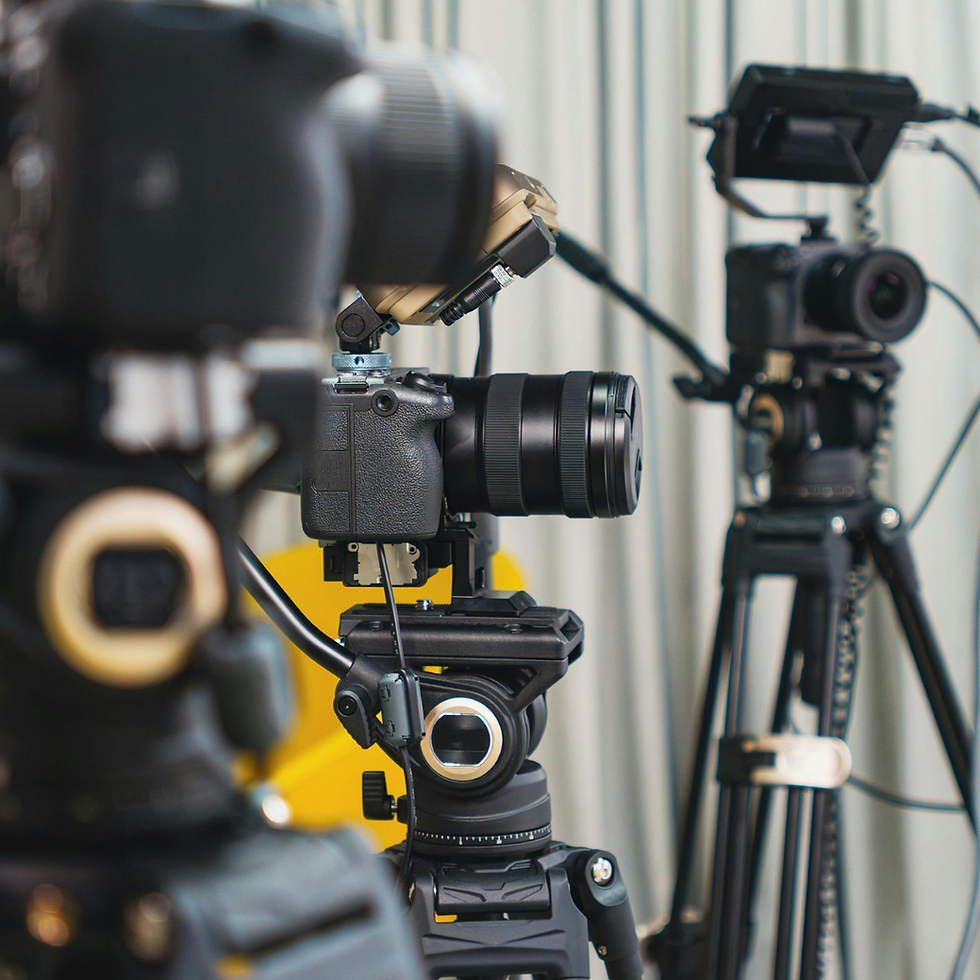
For larger events or more complex productions, it may mean bringing a second shooter so that both formats can be captured properly at the same time. This gives us much more flexibility in the edit and usually produces stronger results than trying to retrofit everything afterwards.
On longer events, there is often enough time to capture content in both formats throughout the day. On shorter shoots, however, we may need to prioritise one format over the other. That's why it's always worth discussing before filming starts.
However, if the primary goal is to use video on your website, YouTube, presentations, training content or longer-form storytelling, horizontal is usually the right choice. And ff the content is mainly intended for Instagram Reels, TikTok, Facebook Reels or YouTube Shorts, vertical often makes more sense.
Vertical Versions Take Additional Editing Time
Another common misconception is that creating a vertical version simply involves cropping the video. In reality, every shot needs to be reviewed individually. Some shots require repositioning. Some require zooming. Some need alternative footage altogether.
We need to check:
Is the speaker still centred?
Is the important action still visible?
Has any branding been cut off?
Does the composition still work?
Does this shot need replacing entirely?
And every decision has to be made shot by shot. This is why vertical versions are treated as a separate editing task rather than a one-click export.

Let's Talk About It Before The Cameras Roll
If you're planning a project and you're not sure which format you'll need, that's completely normal. It's exactly the sort of conversation we have during the planning stage. The important thing is making that decision before filming begins, so we can capture the right footage, frame it correctly and make sure your content works wherever you want to use it.


Comments